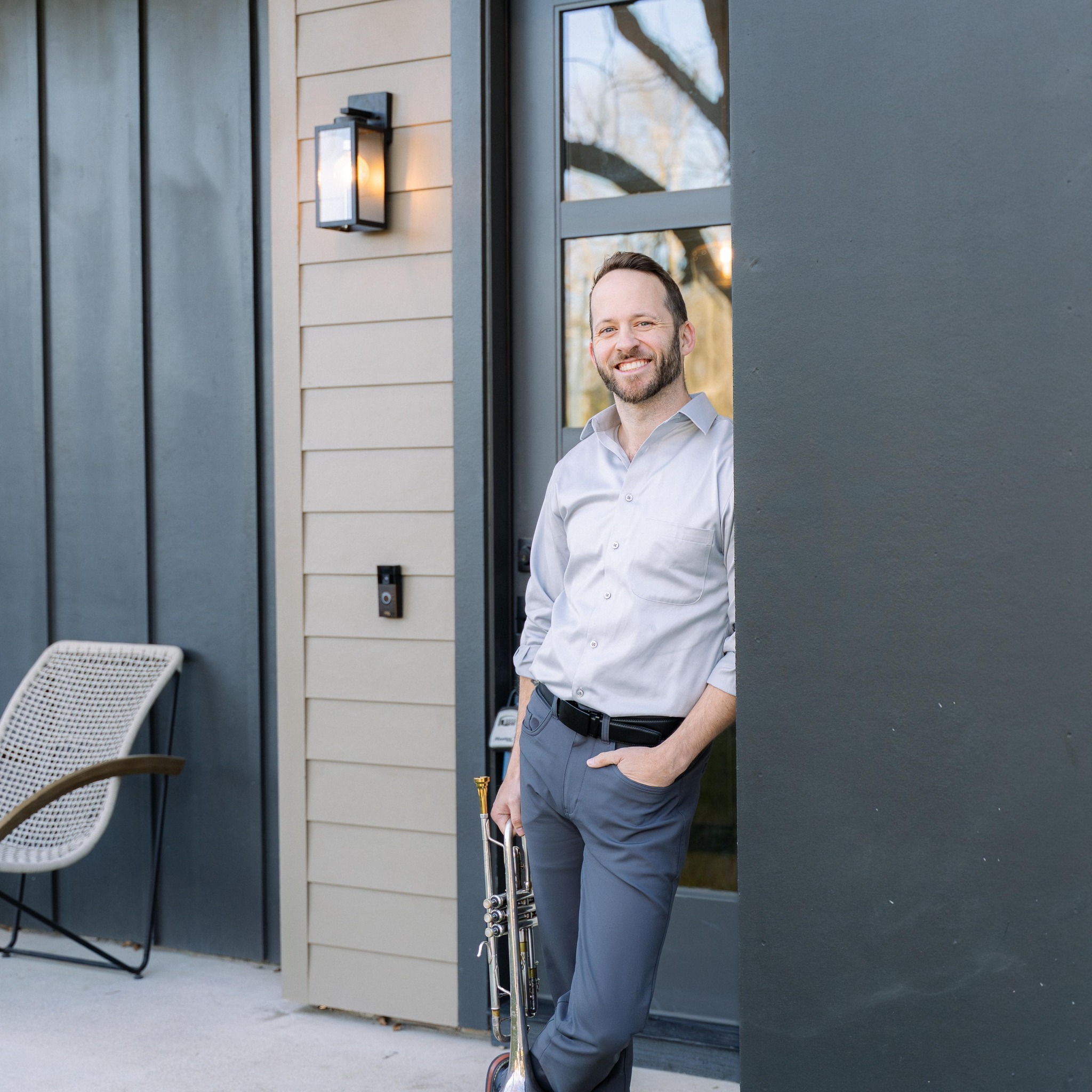
Michael Arnold
Principal Trumpet · Central Texas Philharmonic
Michael performs across a wide variety of musical styles — from Oktoberfest polka to musical theatre to orchestral concert stages. He currently holds the position of Principal Trumpet with the Central Texas Philharmonic.
An Austin resident since 2006, his career as a professional classical musician and educator has sharpened his attention to detail, discipline, and ability to connect with audiences and students alike. He maintains an active private teaching studio in Austin ISD and Leander ISD.
Whether performing under stage lights or coaching the next generation of brass players, Michael brings passion, precision, and a genuine love for music to everything he does.
Private Instruction
Online Trumpet Lessons
What You'll Get
Personalized one-on-one instruction tailored to your level — from beginner fundamentals to advanced orchestral and audition preparation. Tone production, technique, sight-reading, musicality, and repertoire. All sessions online.
Who It's For
Students of all ages and skill levels — from middle school beginners preparing for region auditions to advanced players refining their craft. Whether pursuing music seriously or playing for joy, Michael meets you where you are.
High school students working through their TMEA all-state etudes receive $10 off their first lesson — just mention it when you book.
Before Your Lesson — Zoom Audio Setup for Brass
Zoom is tuned for speech by default, which muffles a trumpet's tone and cuts off your loudest passages. A two-minute setup makes a world of difference so your sound comes through clearly:
- Open Zoom and go to Settings → Audio.
- Under Music and Professional Audio, check "Show in-meeting option to enable Original Sound for Musicians."
- Turn on High-fidelity music mode and turn off Echo cancellation (you'll be wearing headphones, so echo won't be a problem).
- Under Microphone, uncheck "Automatically adjust microphone volume" so your dynamics — soft and loud — come through naturally.
- Use wired headphones or earbuds. This stops your mic from picking up my voice and creating echo or feedback.
- When the lesson starts, click "Original Sound for Musicians: On" in the top-left corner before you play.
Mic placement: aim the microphone slightly to the side of the bell rather than straight into it, and keep it a foot or two away so loud notes don't distort. A USB microphone sounds best, but a well-positioned laptop mic works just fine.
Watch & Listen